


iPhone 16 Pro Max vs iPhone 15
October 5, 2025


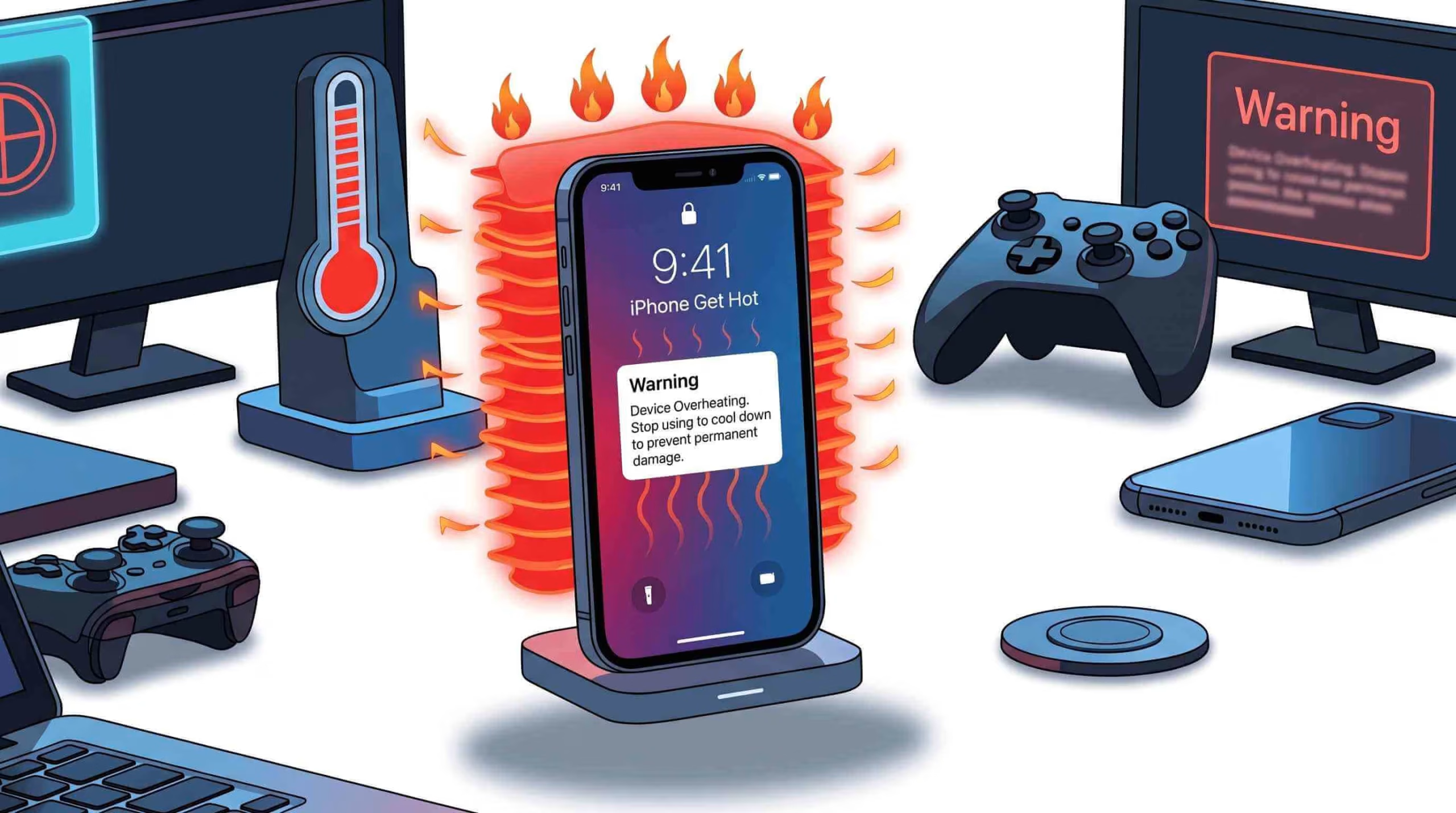
Today, Apple’s iPhone is one of the smoothest and easiest devices. They had a new version recent of iPhone 16. It has happened to the best of us. The problem is that the iPhone gets hot. You’re on a call, playing a game, or browsing social media when you feel it your iPhone is warm, even hot.
When that sleek glass and aluminum device gets too hot to handle, you may wonder what’s going on. Your iPhone is a small powerhouse. Like any strong machine, it gets hot when pushed hard. Think of it as the sound of its tiny fans (if it had any) whirring to keep up with your demands.
In this article, we’ll explore why your iPhone may overheat. We’ll also cover quick steps to fix the problem and how to prevent it in the future. We have all the tips and solutions to keep your device cool and running well.
When your smartphone gets hot, it shows that something inside is working hard. A little warmth from its strong components is typical, so there’s no need to panic. Yet, excessive heat is your phone’s way of telling you it’s under stress and needs a break.
An overheated smartphone can happen when gaming, making video calls, or sitting in the sun. This can slow down performance, drain the battery, and even cause shutdowns. First, understand why your device gets hot to keep it cool and working well.
What happens when your smartphone or iPhone gets hot? specialty when you buy a pre- owned mobile phone. Read this guide before buying refurbished and Pre-Owned devices. And how should you react when your iPhone gets hot? Let’s explore why devices overheat and what you can do to protect them.
An iPhone is a small and powerful device. Like any computer, it produces heat when used. But when this heat becomes excessive, it can be a sign of one or more underlying issues.
Outdated apps and system bugs can create too many background processes. This can lead to overheating. Battery issues, especially with old or faulty ones, can create extra heat when in use or charging. Knowing these common causes helps you tackle overheating issues. It also prevents long-term damage.
An iPhone is a small and powerful device. Like any computer, it produces heat when used. But when this heat becomes excessive, it can be a sign of one or more underlying issues.
Outdated apps and system bugs can create too many background processes. This can lead to overheating. Battery issues, especially with old or faulty ones, can create extra heat when in use or charging. Knowing these common causes helps you tackle overheating issues. It also prevents long-term damage.
Your iPhone’s performance relies significantly on its operating system, iOS, and the apps you use. An old iOS version can have bugs. These bugs may make the processor work too hard, which can cause overheating. A poorly coded or broken app can become trapped in a continuous loop. It may run too many background processes, even when you aren’t using it.
Apple often releases updates to fix bugs and boost performance. If you don’t update your device, it might be at risk of overheating problems. You must be sure to back up your iPhone data. Keep your iPhone updated to the latest iOS version. This can help prevent overheating issues related to performance.
Your iPhone’s battery is crucial in how the device manages power and heat. As batteries get older, they struggle to charge well and have trouble keeping power without overheating. A faulty battery may not provide enough power when subjected to heavy use or during charging, which can lead to the device overheating.
Check your battery’s health in the Settings app. Go to Settings > Battery > Battery Health. This is a good first step to see if your battery is causing overheating. If the maximum capacity drops below 80%, replace the battery. Read about good battery health for iPhone!
Battery overheating is uncomfortable and can harm your phone, so it’s essential to fix it quickly. Also, a faulty or non-certified charging cable can cause uneven power flow, which can lead to too much heat.
This is often the most obvious cause. Your iPhone works best within a specific temperature range. If it gets too hot from outside sources, it can quickly exceed that limit. Engineers design iPhones to operate within a certain temperature range—usually between 32°F and 95°F (0°C to 35°C).
If your device exceeds this range, its performance slows down to avoid damage. You may notice it getting warmer. If you live in a hot area or often use your iPhone outside, keep it in the shade or a cool spot. This helps prevent overheating. This is why you may get a temperature warning. Your phone might shut down on its own to protect its parts.
How you use your iPhone significantly affects how much heat it produces. Demanding tasks are the main culprits. Graphics-heavy games, HD video streaming, and augmented reality apps put a lot of pressure on the processor. So, it can run many apps with background refresh or location services. Your iPhone works hard to meet these demands. This effort causes it to heat up due to its properties.
Although rare, malware or malicious software can also cause your iPhone to overheat. Malware infections occur when users download apps from unofficial sources or click suspicious links. This can let harmful programs run in the background without their knowledge. These dangerous programs can keep using your device’s resources, draining the battery and stressing the processor. As a result, your device gets hotter.
This ongoing, unauthorized activity stresses the system, leading to constant overheating and slow performance. If you think your iPhone is infected, you should watch for signs. These include unexpected app crashes, sudden data usage spikes, or strange pop-ups.
If your iPhone feels hot, it can be worrying. The good news is that you can cool it down fast with a few simple steps. Consider this an emergency cool-down plan. It helps your device return to a safe temperature. Here are some quick steps to cool down your iPhone and avoid damage:
A protective case is essential for your iPhone, but it can trap heat when you use or charge your phone frequently. If you notice your iPhone heating up, the first step should be to remove any case. Thicker cases often trap heat, making your device overheat faster.
Removing the case lets your iPhone breathe, helping the processor and battery cool down better. Letting your iPhone cool down is essential. Taking a break can help cool down your device, whether gaming, watching videos, or using heavy apps.
Charging is a heat-generating process by nature. Using a hot phone while it’s charging adds more heat. Let the device rest without charging. This helps it cool down naturally.
Sometimes, fast charging can also cause your iPhone to heat up faster. If you worry about overheating, switch to regular charging. If you use a quick charger, wait until your phone cools down before plugging it in again.
If you have any charging issues with your iPhone, go to the nearest charging port repair shop for help! Letting the battery rest from charging stops extra heat. This helps the device cool down better.
Your iPhone’s screen uses a lot of power, and a bright display also creates a lot of heat. You can lower the screen brightness manually or turn on auto-brightness. This helps cut down the energy the display uses, lighten the load on the battery and processor, and cool down the device.
You can also turn on Auto-Brightness. Go to Settings > Accessibility > Display & Text Size. This lets your iPhone adjust the brightness based on your surroundings, lowering heat and saving battery life.
Running too many apps in the background can also contribute to your iPhone heating up. Apps refresh in the background, using processing power and resources like CPU, memory, and network bandwidth, which can create extra heat. Closing unused apps right away lowers the workload on your iPhone’s processor, helping it cool down faster.
To close apps
For iPhone X and later: Swipe up from the bottom and pause to bring up the multitasking view. Swipe through the open apps and swipe them off the screen to close them.
For iPhone 8 and earlier: Double-click the Home button. This opens the app switcher. Then, swipe up on the apps you want to close.
Close unnecessary apps to free up resources. This reduces demand on your device, helping it cool down and regain performance.
To keep your iPhone cool, take steps to protect its health and performance. Quick fixes work now, but changing habits can reduce overheating risks later. Handle your device and settings with care. This can make your iPhone cooler and more efficient and help extend its lifespan.
This is one of the easiest and most effective preventative measures. Your iPhone can’t handle extreme heat. Leaving it in direct sunlight like on a car dashboard, café table, or by the pool can cause it to overheat rapidly. Keep your phone in a cool, shaded spot when you’re not using it. Also, watch where you leave it, especially on hot days.
Your iPhone has many useful features, but they can drain power and create heat, even when you’re not using them. Turning off non-essential features can reduce this background workload. For instance, if you don’t use Bluetooth accessories, turn them off in the Control Center. Limit Location Services to the apps that genuinely need them. Turning off these features when not in use helps your phone’s processor and battery, keeping them cooler.
Software bugs and inefficiencies are a common cause of overheating. Apple and developers often release updates. These updates fix issues, boost performance, and optimize battery life. Update your apps and iOS to the latest versions. This way, you get the best and most stable software. A new update may include an important fix. This fix can help with a background process that makes your phone overwork and heat up too much.
An iPhone that is close to the whole storage may have trouble working well. The system has to work harder to manage its limited space. This increased effort can lead to higher temperatures. Easily transfer your data iPhone to iPhone by this guide.
Clear out old photos, videos, and unused apps regularly to free up space. Also, keep an eye on your data usage. Some apps may use a lot of data in the background. This can strain your phone’s modem and battery, causing it to heat up.
While an iPhone getting hot can cause concern, it’s rarely a sign of a catastrophic failure. Usually, this means your device is working hard and needs a break. It could also be too warm where it is. iPhone overheating can happen due to software bugs, battery issues, or environmental factors. It’s important to understand these causes to prevent long-term damage.
To cool down your device, take quick steps. Remove the case, lower the screen brightness, and close unused apps. These actions will help it return to normal working conditions. If overheating keeps happening, visit an Apple technician for more help.
Use quick fixes and smart habits to keep your iPhone cool and in great shape. Care for your iPhone well, and it will stay reliable and robust. You won’t have to worry about overheating issues.
Quick Questions!
Yes, it is normal for an iPhone to get warm while charging, especially with fast or wireless charging. However, it should not be uncomfortably hot. If it is, disconnect it from the charger and let it cool down.
Yes, prolonged and frequent overheating can permanently damage your iPhone’s battery by accelerating its chemical aging, which reduces its overall maximum capacity and lifespan.
Apple recommends using iPhones in ambient temperatures between 32º to 95º F (0º to 35º C). The device should be stored in temperatures between -4º to 113º F (-20º to 45º C).
You should worry if your iPhone is consistently getting so hot that it is uncomfortable to hold, slows down significantly, or displays a temperature warning. A device that is slightly warm from regular use is not a concern.
A brand new iPhone might get warm during initial setup and data transfer as it performs intensive background tasks. This is also normal during demanding use, like gaming or streaming. If the overheating persists without heavy use, it could be a software bug or a faulty app.
October 5, 2025
October 5, 2025
September 19, 2025
September 19, 2025
September 18, 2025
September 18, 2025
Address: 15803 87 Ave NW, Edmonton, AB T5R 4G7, Canada
Phone: +1 587-444-5888
Support


To Grab The Offer, Fill The Form and Submit Now!